Screening has met its match.
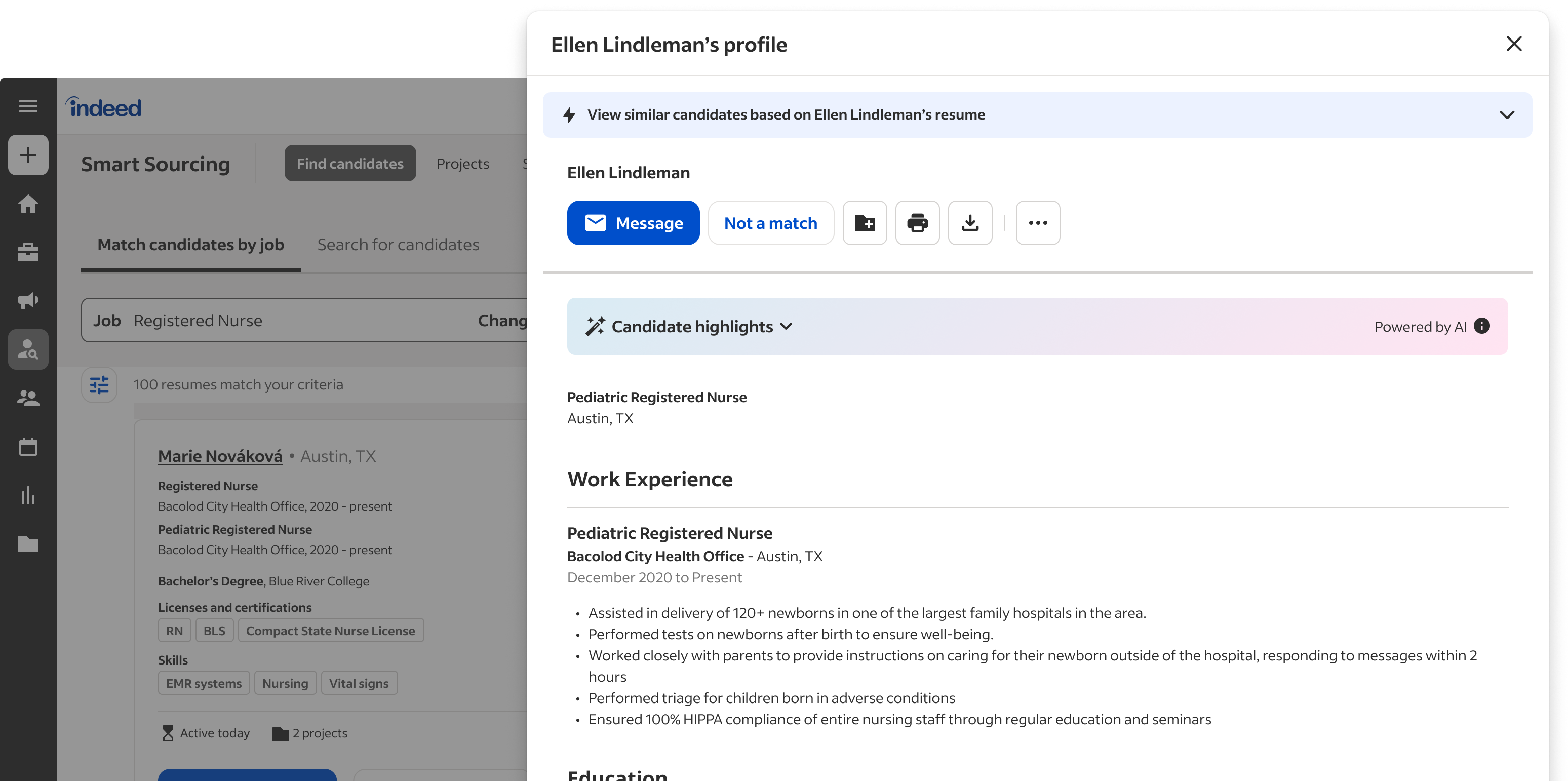
Screen and score applicants against objective criteria — delivered straight to your ATS, built on Indeed's Responsible AI principles.
Less time per hire. Higher confidence per decision.
-
54%
fewer applications to make a hire.
-
20%
reduction in time-to-hire on average.
-
91%
of recruiters very satisfied with candidate summaries.
Indeed data (US), based on 1,095 jobs with Smart Screening enabled · DATACON-4340. Indeed does not make decisions on behalf of employers.
Three moves Smart Screening makes for your team.
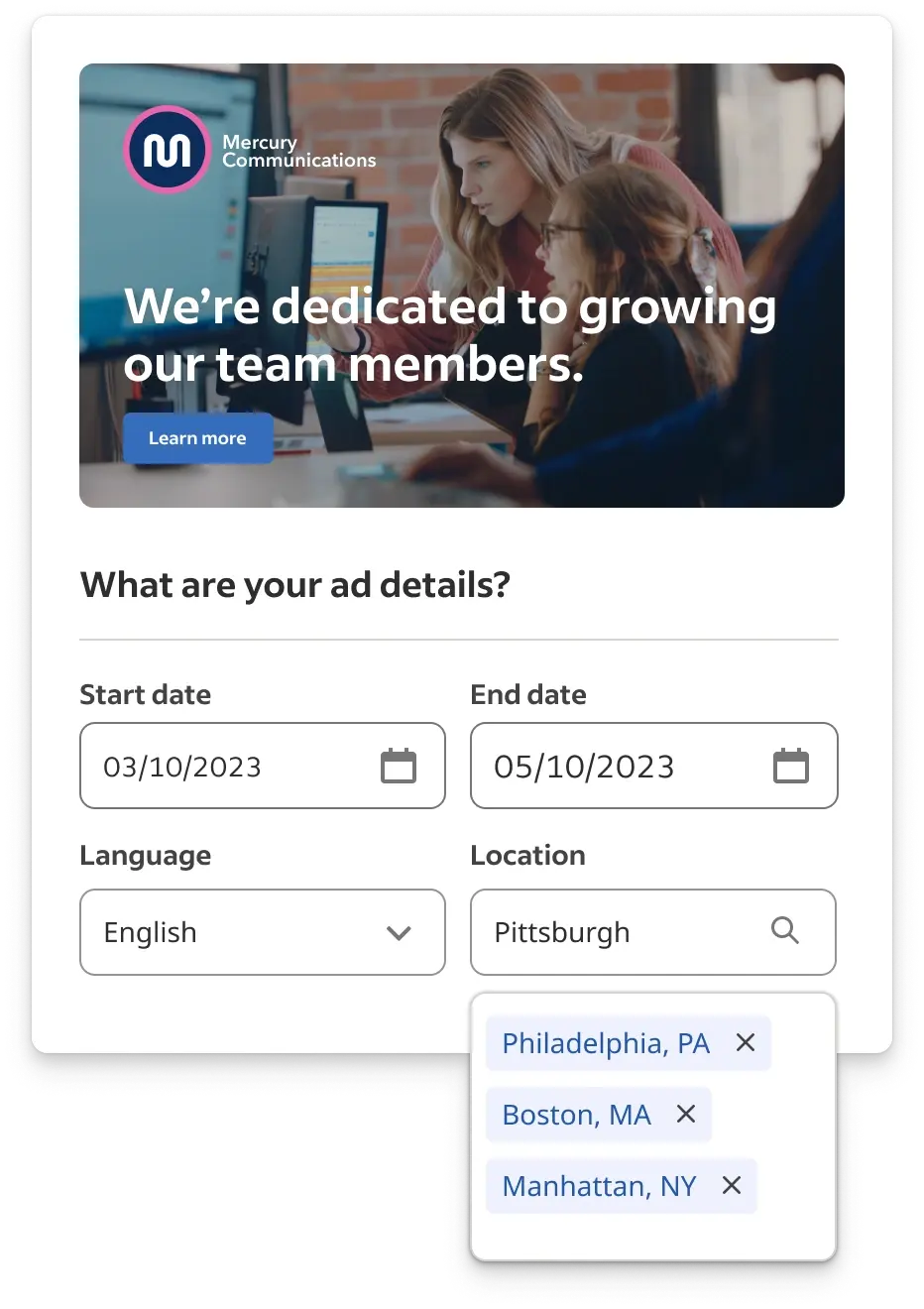
Elevate hiring quality from the start.
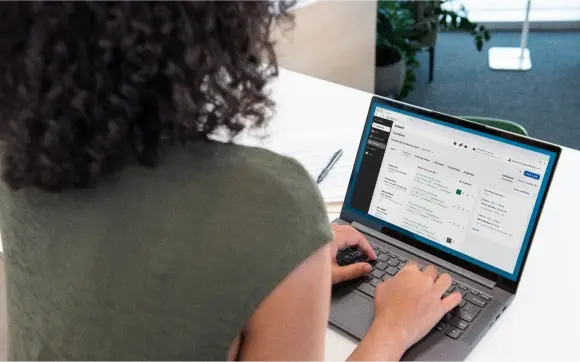
AI-powered automation, grounded in human oversight.
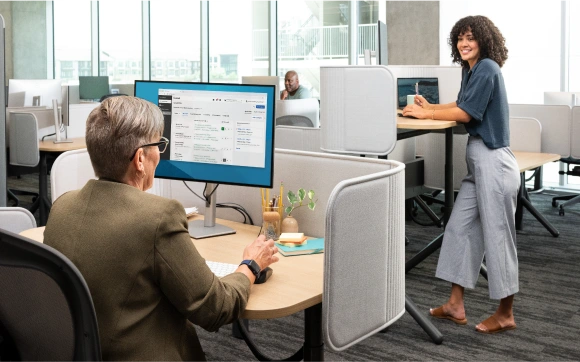
Maximize value with the tools you already use.
About the Smart Fit Score
The Smart Fit Score evaluates the information candidates voluntarily share against the requirements you've defined in the job description. It does not pull in third-party data, social signals, or anything outside the candidate's application.
Five principles guide every release.
We're not trying to replace humans. We're trying to help humans be more effective and fair in their decisions.
-
Job seeker first
Build features that work for the people on the search side of the platform, not just the hiring side.
-
Center fairness
Audit for bias continuously. Never let a model decide whether a person gets the job.
-
Listen and learn
Update the system as the people using it tell us how it's working — and how it isn't.
-
Hiring is human
AI surfaces information; humans make every hiring decision. The model assists, it doesn't decide.
-
Innovate responsibly
Ship features that move the work forward without leaving the people in the process behind.
How teams are using Smart Screening.
Smart Screening smoothed the entire top of our funnel. We used to spend Mondays sorting; now Monday is interviews.
I get to focus on the candidates worth a conversation. The system handles the rest — and it shows its work, which my team can audit.
Customized solutions to attract the talent you need.
Tell us about your hiring goals. We'll match you to the right setup and walk through next steps.
Contact sales
Support
Visit the Employer Help Center or contact support for one-on-one help with your Smart Screening setup.